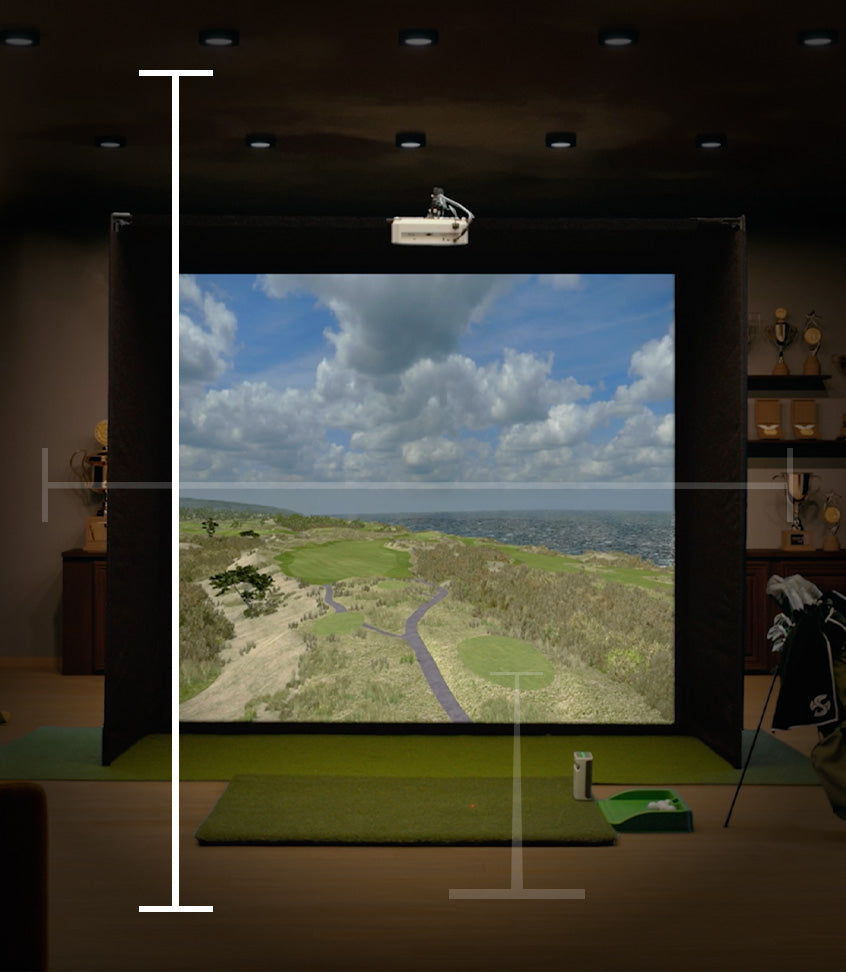
Plan Your Space

Build Your Dream Studio

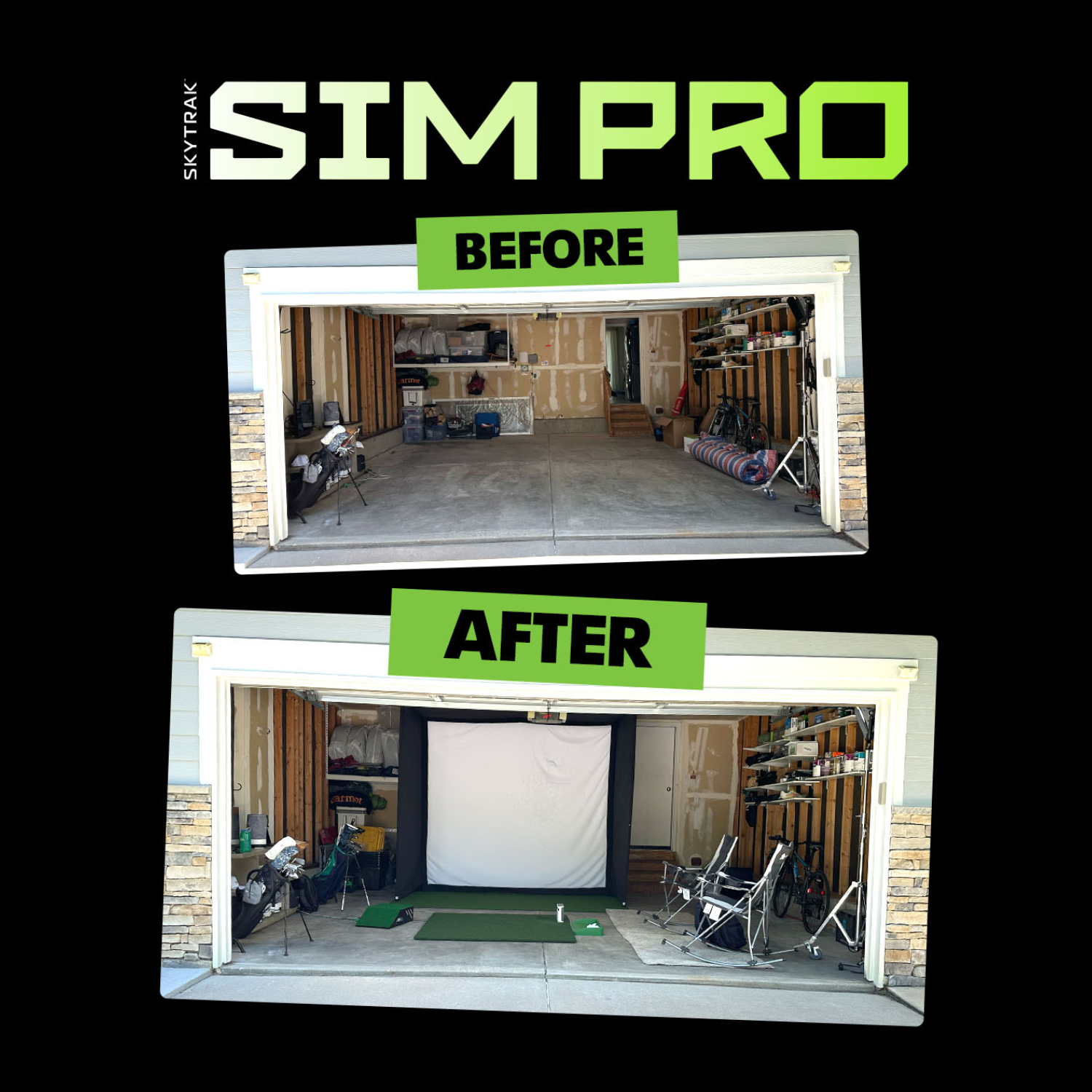
Whether it's your garage, basement, spare room, or outdoors, let’s make sure your room is simulator-ready before you buy. Follow our guide to find the perfect fit.

1

Your Space

This is the most important piece of building out your simulator. Many enclosures and nets have minimum space requirements, which we breakdown below.

2

Setup Style

Your golf sim setup will depend on your space, budget, and practice goals. Your configuration options consist of a launch monitor, enclosure, projector, computer, and accessories.

3

Software & Membership

The software you choose unlocks the potential of your golf simulator. You also need the right infrastructure to run a great sim.

Your Space

There is a lot to consider when planning around your space. Need help? Talk to a SIM PRO

DIY golf simulator space neededHome golf sim space requirementsHeight requirement for SKYTRAK golf simulator

General Guidelines

Room Height

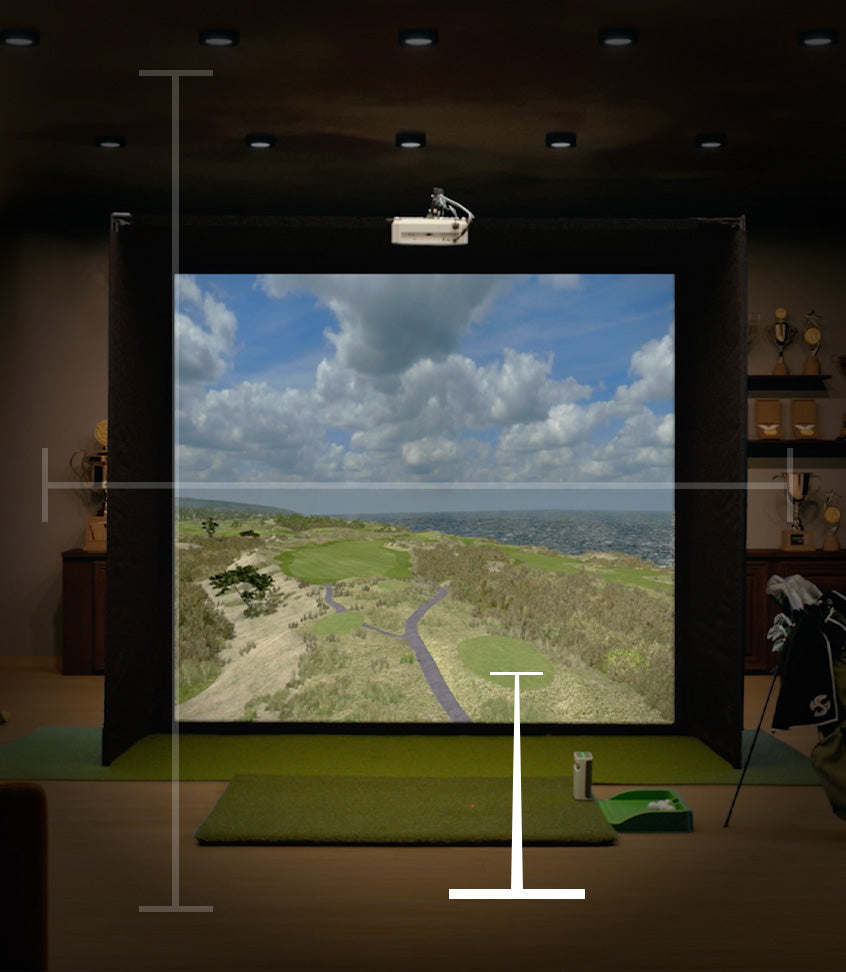
Based on our expertise, a ceiling height of 10’ typically offers ample clearance for most golfers, however many golfers say that 9' is enough. It's important to note that simulator enclosures, impact screens, and nets often come with their own minimum height requirements. We recommend checking these specifications and comparing them with your ceiling height to ensure compatibility.

Always take some practice swings to make sure you are comfortable swinging in your designated space.

General Guidelines

Room Width

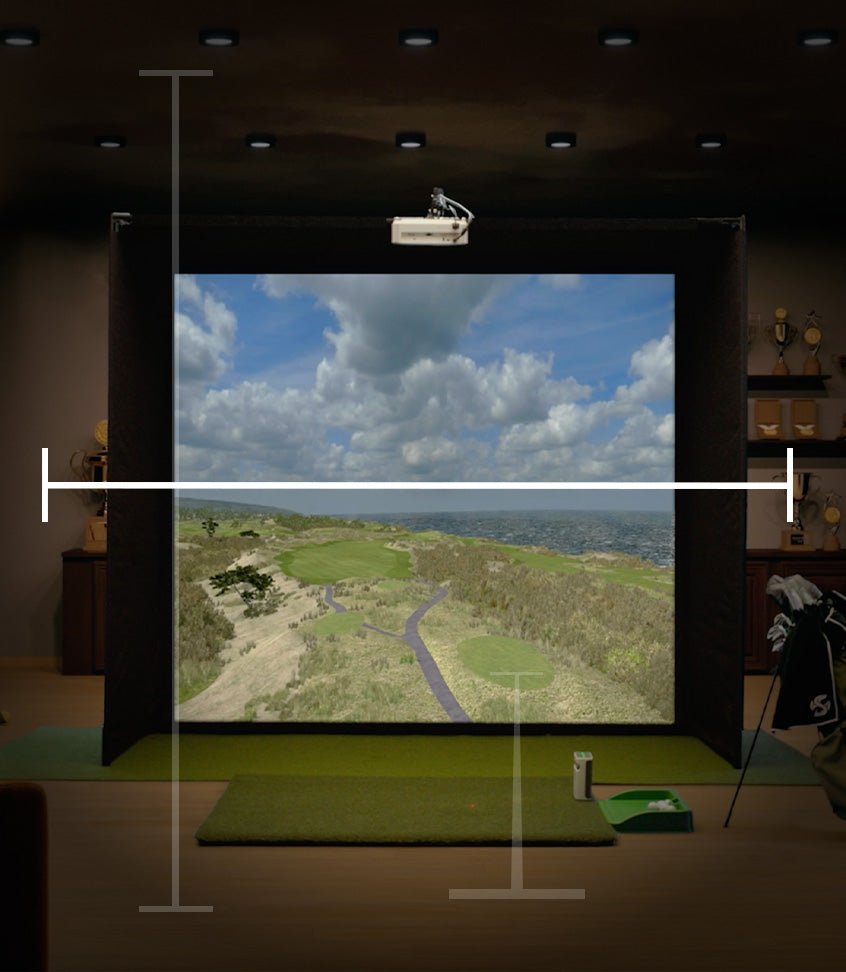
Ensuring that your space is wide enough to accommodate your golf simulator screen or net is essential. The screens and nets we offer range from an 8' to 13' width. Also, if you anticipate both right-handed and left-handed players using the simulator, it's wise to have an additional 1' to 2' of width for optimal comfort. While we generally suggest a room width of 12' for a more spacious feel, some of our simulators can comfortably fit into a smaller space.

Always take some practice swings to make sure you are comfortable swinging in your designated space.

General Guidelines

Room Depth

When it comes to room depth, it's important to consider the space you need between the enclosure and the wall, the enclosure and yourself, and to ensure there's ample room behind you. For example, a return net will need more room from the wall than a studio enclosure. Luckily, a SKYTRAK Launch Monitor sits next to the ball vs other launch monitors that require up to 8' behind the hitting area, saving you precious space. From our experience, a room depth of 17' offers a comfortable and spacious setting for your setup, providing more than enough space for an optimal golfing experience.

Always take some practice swings to make sure you are comfortable swinging in your designated space.

The "Driver Test"

Measurements are a great starting point, but every swing is different. Before buying, go to your intended space, grab your driver, and take a slow, deliberate practice swing. If you feel any hesitation, you likely need a bit more clearance.

Measurements by Studio Size:

Studio 8'

Studio Footprint: 8’ W x 4’ D x 7’6” H

This compact studio fits almost anywhere, but remember: your room still needs to be large enough for your swing.

- Minimum Room Size: 8.5’ W / 15’ D / 8' H

- Ideal Room Size: 9’ to 12' W / 16’ to 19' D / 8' to 9’ H

- Why? Even though this enclosure is only 7'6" tall and 8' wide, a standard golfer requires at least a 9-foot ceiling and 10 feet of width to safely swing a driver without hitting the walls or ceiling.

Studio 10'

Studio Footprint: 10’ W x 5’4” D x 8’6” H

Our most popular size. It balances a highly immersive widescreen feel that fits neatly into most standard garages or spare rooms.

- Minimum Room Size: 11’ W / 16’ D / 9’ H

- Ideal Room Size: 12’ to 14' W / 17’ to 20' D / 9' to 10’ H

- Why? You need at least a foot of clearance on the sides of the enclosure for assembly and buffer space, plus enough depth in the room for your tee placement and backswing.

Studio 12'

Studio Footprint: 12’ W x 5’4” D x 8’6” H

A premium, wide-aspect setup. Because of the width, this is ideal for dual-handed play (both right and left-handed golfers) if your room is wide enough to accommodate a center-hitting position.

- Minimum Room Size: 13’ W / 16’ D / 9’ H

- Ideal Room Size: 14’ to 16' W / 17’ to 20' D / 9' to 10’ H

- Why? The 12-foot width requires a slightly wider room (13' minimum) to ensure the enclosure fits comfortably without scraping your side walls during setup.

Studio 13' Deep

Studio Footprint: 13’ W x 10’ D x 10’ H

The ultimate professional-grade bay. With an extended 10-foot depth, you are hitting entirely from inside the enclosure, providing maximum immersion.

- Minimum Room Size: 14’ W / 17’ D / 10' 6" H

- Ideal Room Size: 15’ to 17' W / 18' to 20’ D / 11'+ H

- Why? This is the exception to the rule! Because the enclosure itself is 10 feet tall and 13 feet wide, your room requires higher ceilings and a wider footprint than our standard baseline to assemble the frame.

Setup Style

There are a lot of options when it comes to building the perfect setup. Need help? Talk to a SIM PRO

Sim Setup: Launch Monitor

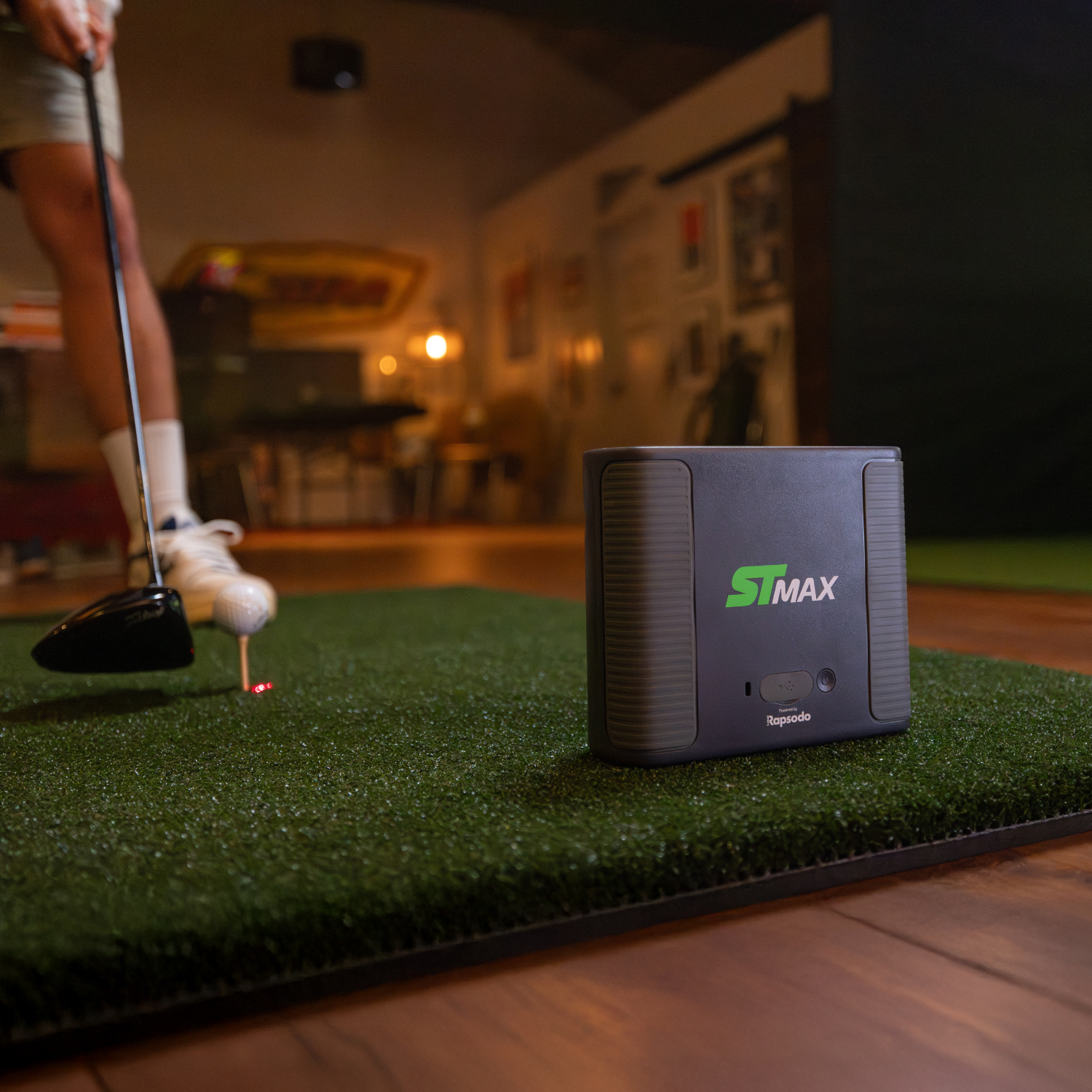
A SKYTRAK Launch Monitor is the brain powering your home golf simulator. Giving you accurate ball and club data to help you improve your game while have fun doing it.

Sim Setup: Impact Screen & Enclosure

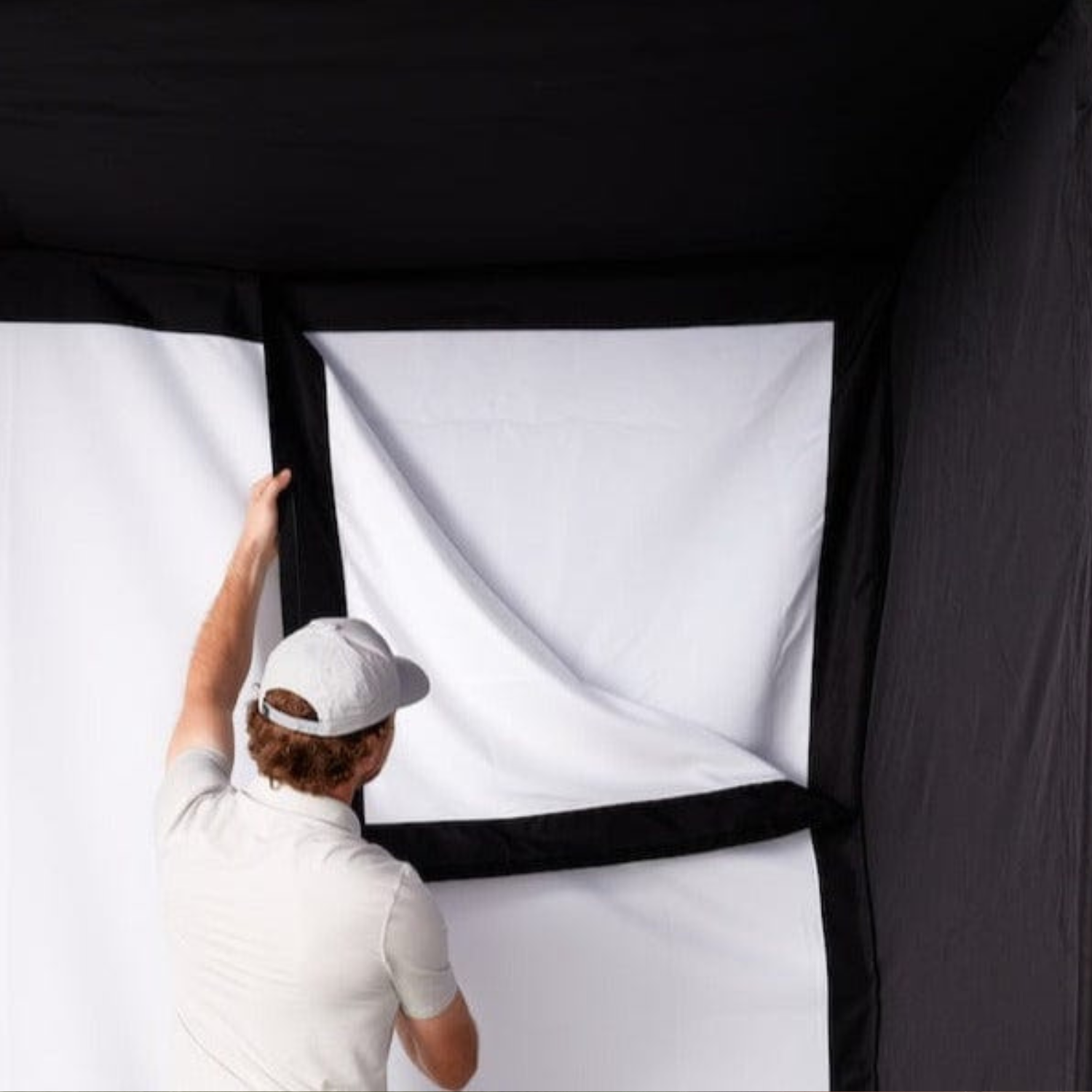
An enclosure and impact screen allows you to project the simulation software on the screen in front of you.

Sim Setup: Projector & Computer

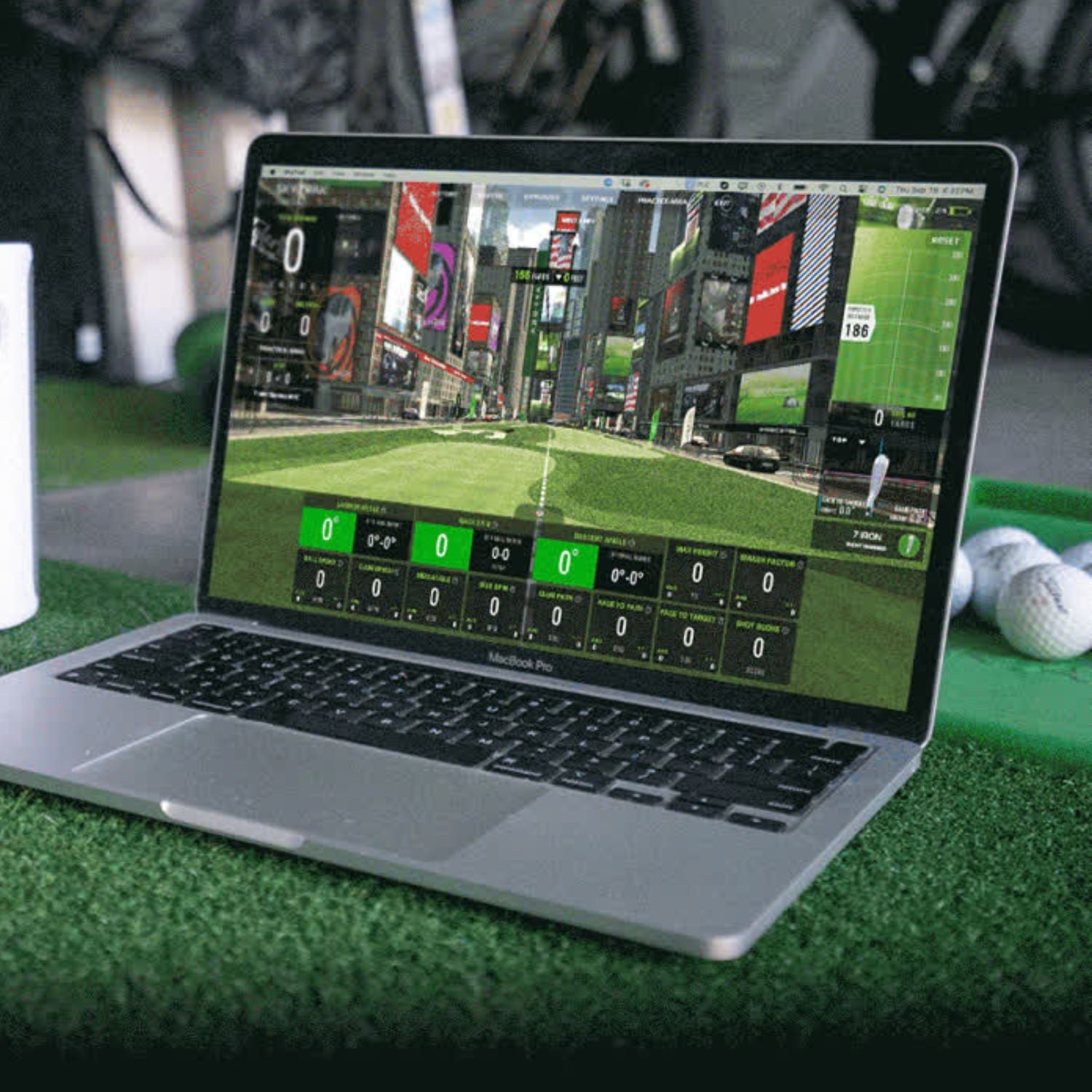
You will need a device to power your simulation experience. We recommend a gaming PC and short throw projector.

Sim Setup: Hitting Mats & Putting Turfs

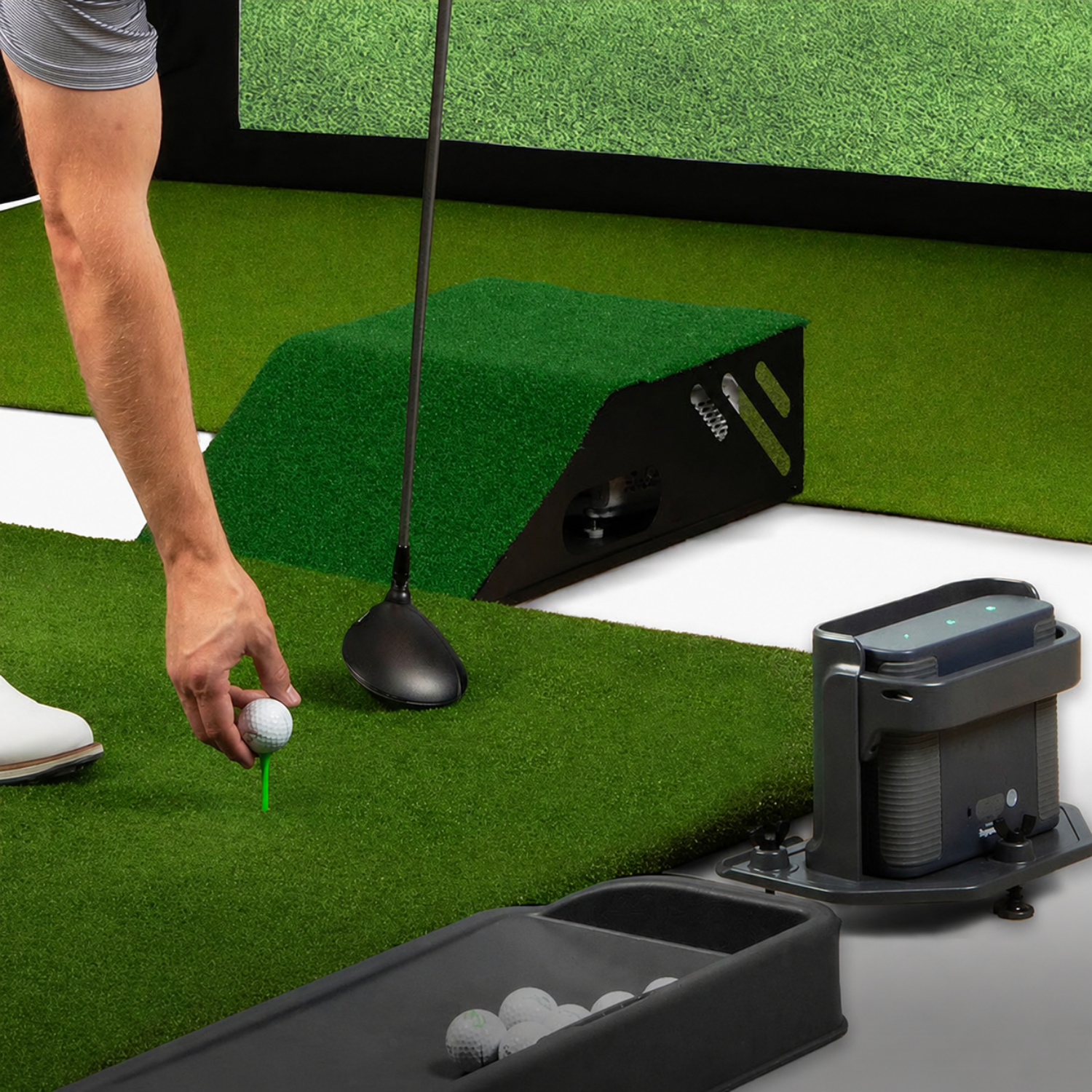
Choosing a high quality mat will make a big impact on how long you can play. Saving your hands, clubs, and floor from fat shots.

Sim Setup: Other Accessories

Don't overlook the finishing touches. A protective case defends your launch monitor from the occasional shank, while a silicone ball tray keeps your practice sessions organized and your studio looking pristine.

Sim Setup: Launch Monitor

A SKYTRAK Launch Monitor is the brain powering your home golf simulator. Giving you accurate ball and club data to help you improve your game while have fun doing it.

Sim Setup: Impact Screen & Enclosure

An enclosure and impact screen allows you to project the simulation software on the screen in front of you.

Sim Setup: Projector & Computer

You will need a device to power your simulation experience. We recommend a gaming PC and short throw projector.

Sim Setup: Hitting Mats & Putting Turfs

Choosing a high quality mat will make a big impact on how long you can play. Saving your hands, clubs, and floor from fat shots.

Sim Setup: Other Accessories

Don't overlook the finishing touches. A protective case defends your launch monitor from the occasional shank, while a silicone ball tray keeps your practice sessions organized and your studio looking pristine.

Software & Membership

Adding a membership plan unlocks exclusive access to Course Play software, the Sim Club, practice ranges, special discounts & more!

SKYTRAK Membership

Bring Your Sim to Life

Choose the membership plan that fits your game—from powerful practice tools to immersive play on 95+ world-class courses on Course Play, powered by Trackman & Foresight. Whether you're dialing in your swing or teeing it up on legendary golf courses, unlock more ways to practice, play, and improve year-round.

Explore Membership Options

Expert Advice

Get Answers to All Your Sim Questions

Our golf simulator experts will help you pick out the best options for your space and budget.

Talk to a Sim Pro
Guy playing golf indoors with friends on SKYTRAK golf simulator

Financing Options Available

Play Now. Pay Later.

Why delay? Start improving your golf game sooner by financing your new SKYTRAK Golf Simulator with Affirm or Shop Pay. *0% APR financing options and play better golf, faster. See payment terms & disclosures.

Affirm and Shop financing

*Rates from 0%-36% APR. Payment options through Shop Pay Installments, are subject to an eligibility check and are provided by these lending partners: affirm.com/lenders. Options depend on your purchase amount, and a down payment may be required. State notices to consumers: https://www.affirm.com/licenses.